 Basis
Basis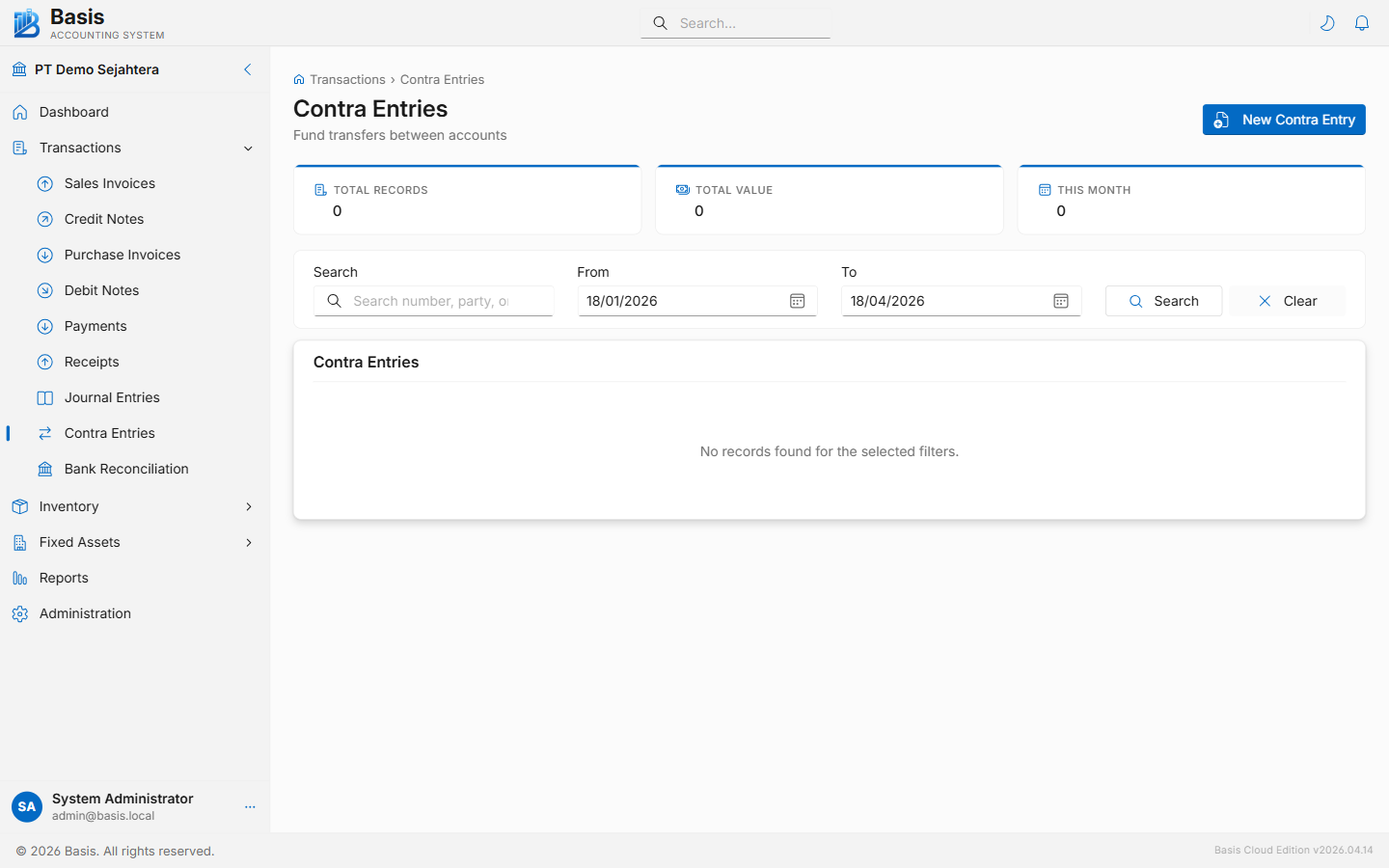
Creating a Contra Entry
Go to Transactions → Contra Entries, then click New.
- Set the Date of the transfer.
- Enter a Reference Number (required) — e.g., the internal transfer slip number or bank reference.
- Select the From Account (the account money is leaving — will be credited). By default, only Cash and Bank accounts are shown.
- Select the To Account (the account money is going into — will be debited). Cannot be the same as From Account.
- Enter the Amount to transfer.
- Add a Narration describing the transfer, then click Save Contra Entry.
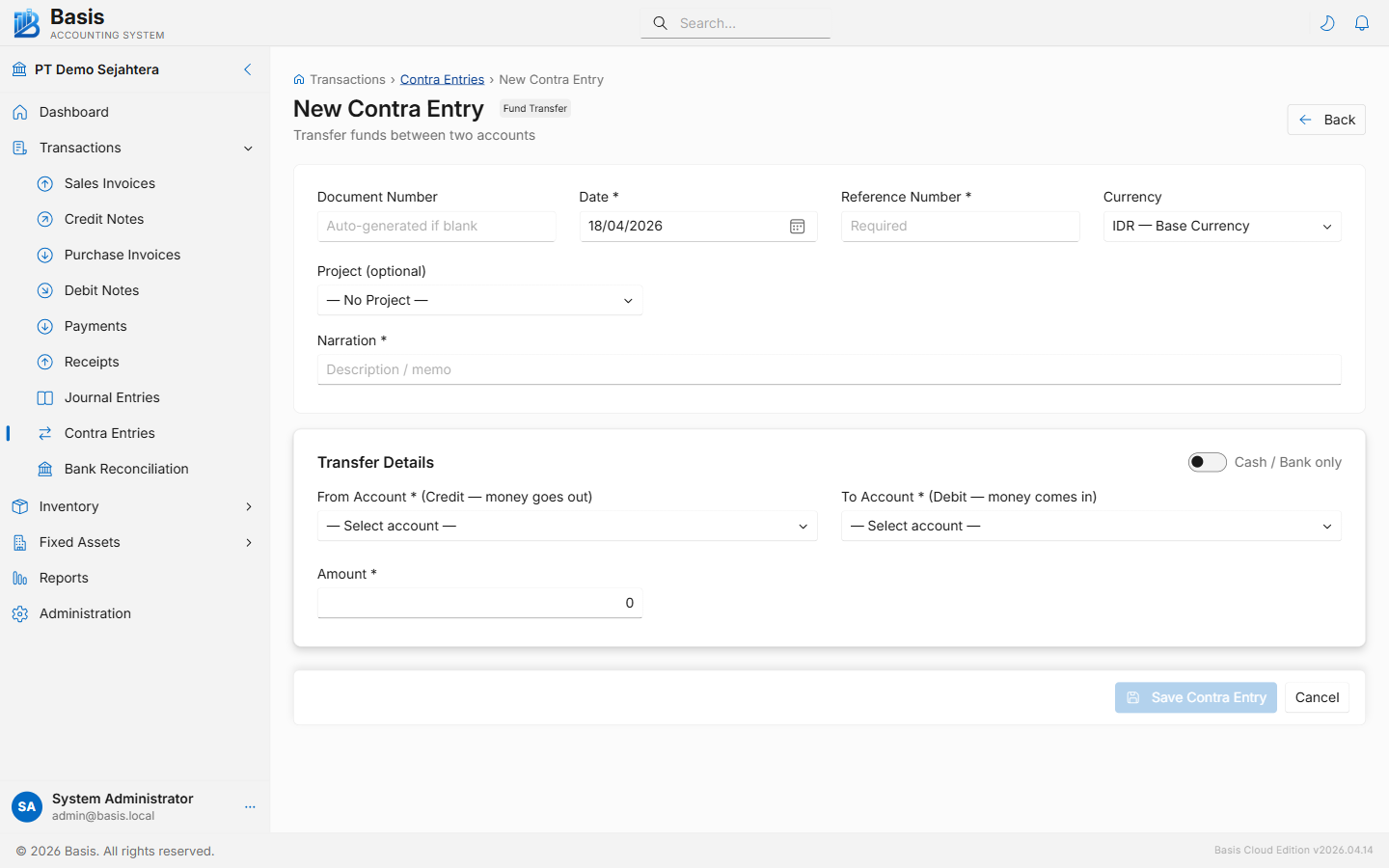
Header fields
| Field | Status | Notes |
|---|---|---|
| Document Number | Auto | Auto-generated from the CE voucher series. Can be overridden. |
| Date | Required | Date of the fund transfer. Blocked if the period is locked. |
| Reference Number | Required | Transfer slip number, bank reference, or other identifier. Required field. |
| Currency | Optional | Foreign currency when Multi-Currency is enabled. Exchange rate auto-loads from the rate table. |
| Project | Optional | Tag the transfer to a project for project-level reporting. |
| Narration | Required | Description of why the transfer is made. |
Transfer details
| Field | Status | Notes |
|---|---|---|
| From Account | Required | The account being credited (money going out). Toggle "All accounts" to show non-cash/bank accounts. |
| To Account | Required | The account being debited (money coming in). Cannot equal the From Account. |
| Amount | Required | The amount to transfer. Must be greater than 0. |
By default the form shows only Cash and Bank sub-type accounts. Toggle the "All accounts" switch to transfer from/to any account type (e.g., a petty cash fund vs. a non-bank asset account).
Editing & Deleting
Open any contra entry from the list and click Edit (pencil icon) or Delete.
Immutable vouchers: Every edit or delete archives the original contra entry as a full JSON snapshot in the Audit Trail before making changes. The voucher ID is preserved on edit.
GL Impact
| Account | Debit | Credit |
|---|---|---|
| To Account (destination) | Transfer amount | — |
| From Account (source) | — | Transfer amount |
Related
- Payments — cash going out to external parties (suppliers, employees)
- Receipts — cash coming in from external parties (customers)
- Journal Entries — for more complex multi-line transfers involving non-cash accounts
- Bank Reconciliation — match contra entries to bank statement movements