 Basis
Basis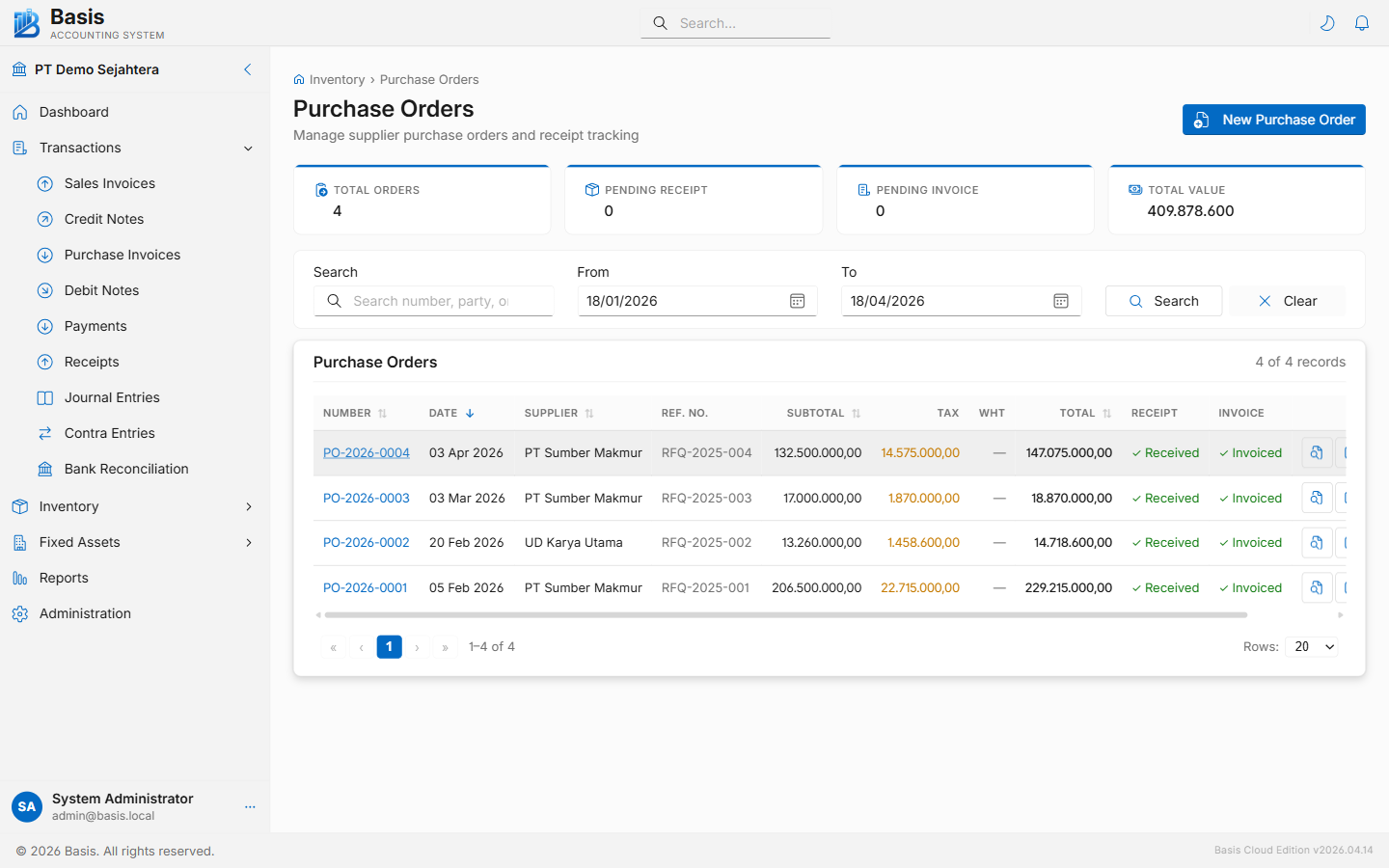
Creating a Purchase Order
Go to Inventory → Purchase Orders, then click New.
- Select the Supplier (autocomplete by name or code).
- Set the Order Date and optionally an Expected Arrival Date.
- Add line items: search for an Item, enter Qty, confirm Unit Price and Tax.
- Apply a Discount % per line if negotiated.
- Optionally assign a Project, Currency, or per-line Location (receiving warehouse).
- Add a Narration and click Save.
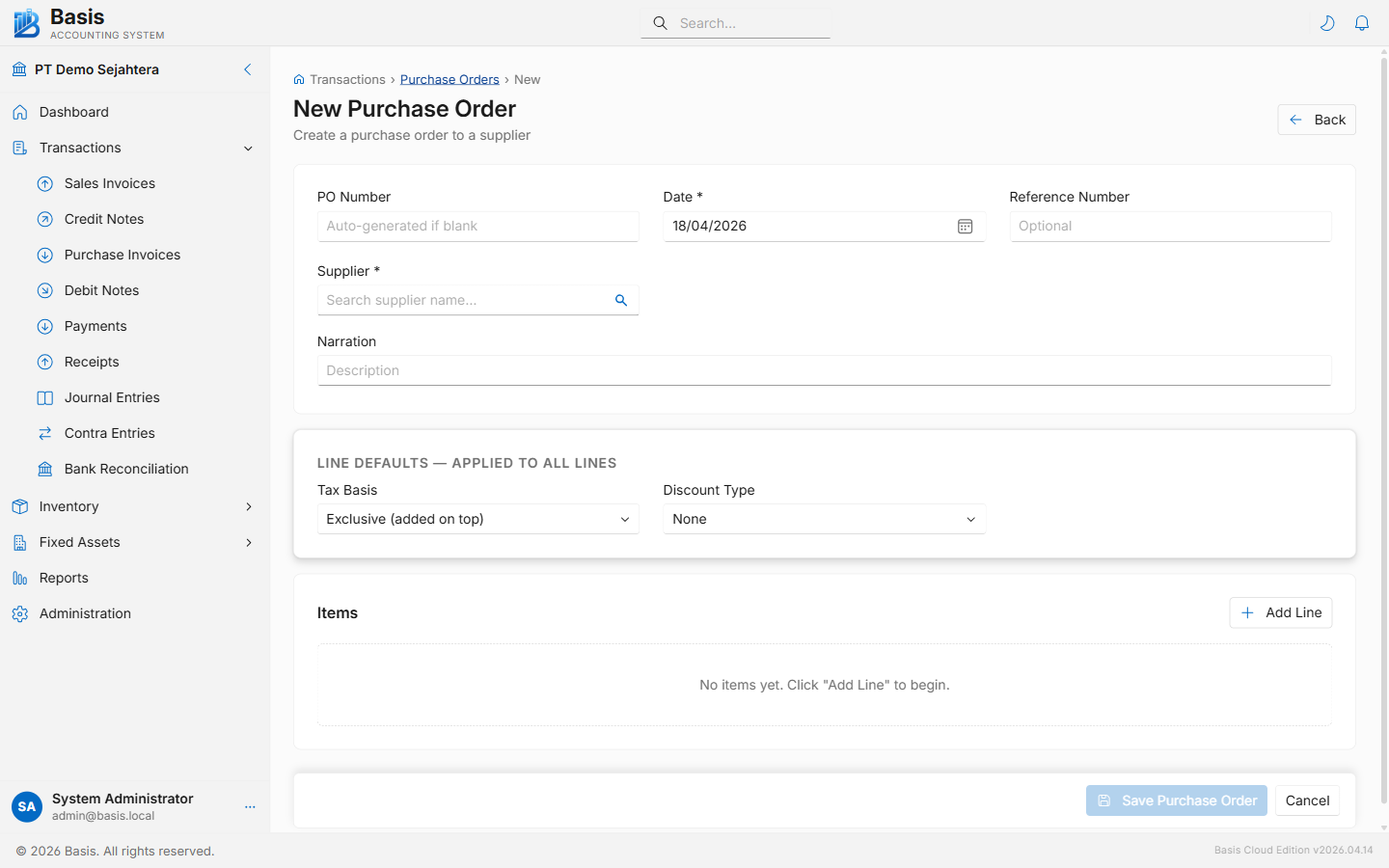
Header fields
| Field | Status | Notes |
|---|---|---|
| PO Number | Auto | Auto-generated from the PO voucher series. |
| Date | Required | Order date. |
| Supplier | Required | Must be a party with Supplier type. |
| Expected Arrival | Optional | Expected goods arrival date — informational only. |
| Reference | Optional | Your internal requisition number or supplier quote reference. |
| Currency | Optional | Appears when Multi-Currency is enabled. |
| Project | Optional | Appears when Projects feature is enabled. |
| Narration | Optional | Internal notes about the order. |
Line fields
| Field | Status | Notes |
|---|---|---|
| Item | Required | Search by item code or name. |
| Description | Optional | Auto-fills from item. Can be overridden per line. |
| Qty | Required | Ordered quantity. Receipt and invoice tracking compare against this value. |
| Unit | Optional | Auto-fills from item's default unit. |
| Unit Price | Required | Agreed purchase price — auto-fills from item's purchase price if set. |
| Discount % | Optional | Line-level discount percentage. |
| Tax | Optional | Tax category — auto-fills from item. |
| Location | Optional | Receiving warehouse. Appears when Multi-Location is enabled. |
A Purchase Order does not post any GL entries or update stock. Stock increases when a Receipt Note (GRN) is created against it; the liability is recorded when a Purchase Invoice is raised.
Receipt & Invoice Status
The PO list shows two status columns: Receipt Status (Not Received / Partial / Fully Received) and Invoice Status (Not Invoiced / Partial / Fully Invoiced). Both update automatically as GRNs and Purchase Invoices reference the PO.
Related
- Receipt Notes (GRN) — receive goods and update stock
- Purchase Invoices — bill from supplier against the PO
- Sales Orders — the sales-side mirror