 Basis
Basis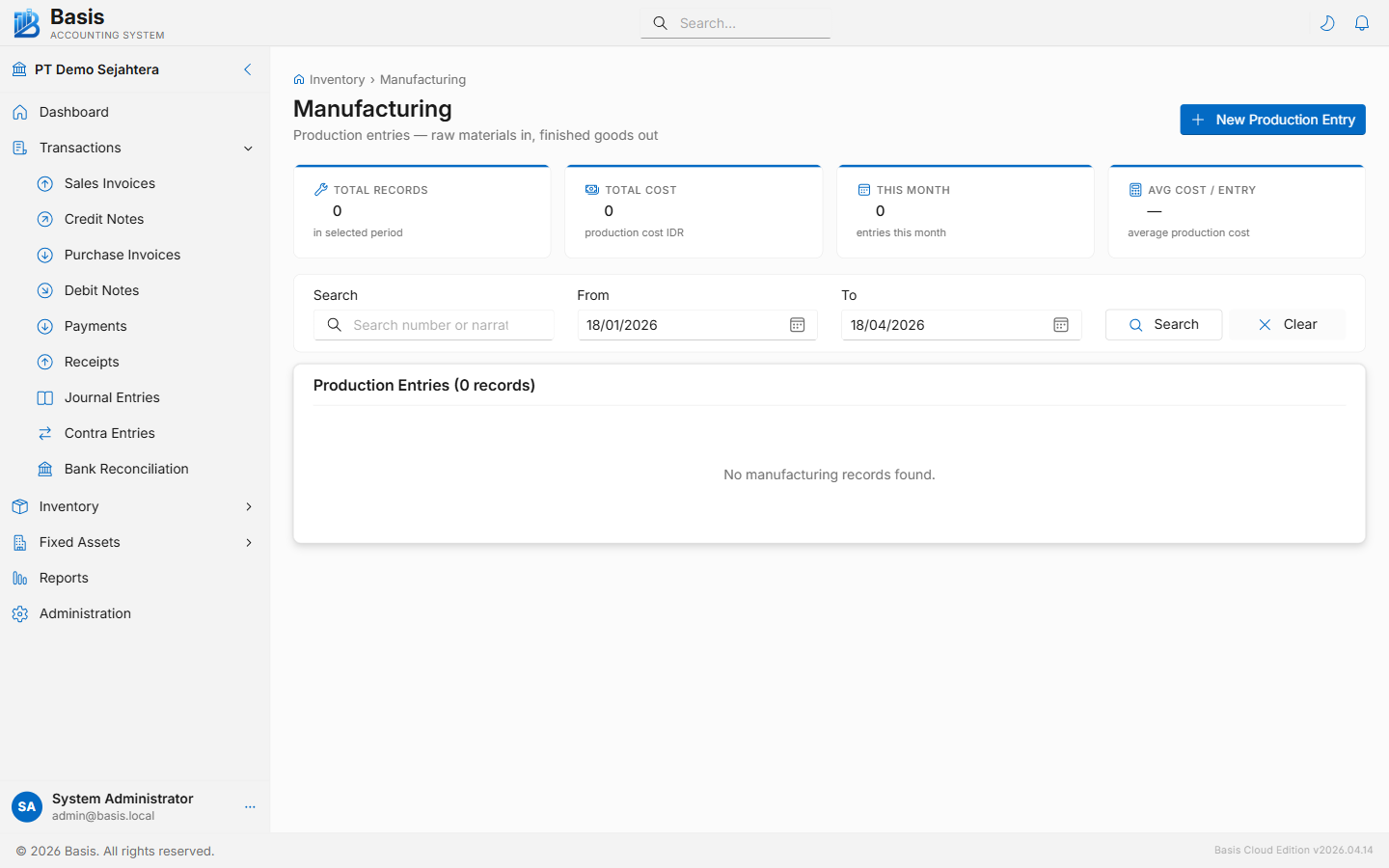
Creating a Manufacturing Entry
Go to Inventory → Manufacturing, then click New.
- Set the Date and enter a Reference Number (production batch or job order number).
- Add Finished Goods lines — the items being produced. For each item, enter the quantity produced and the unit cost. The finished goods inventory account is auto-filled from the item master.
- Add Raw Material lines — the items being consumed. For each item, enter the quantity consumed. The inventory account is auto-filled from the item master.
- Add a Narration and click Save.
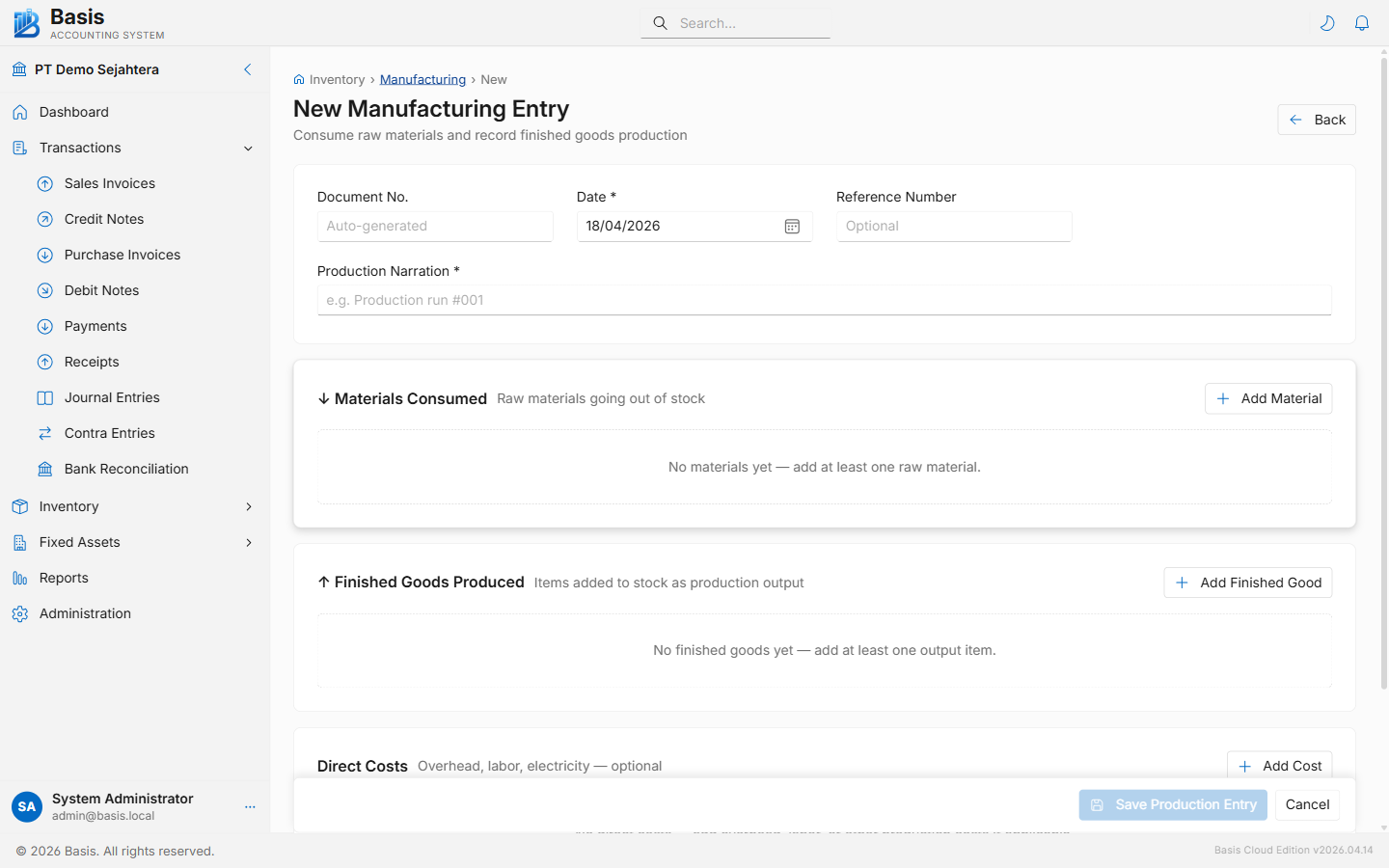
Header fields
| Field | Status | Notes |
|---|---|---|
| Document Number | Auto | Auto-generated from the MFG voucher series. |
| Date | Required | Date of production. Blocked if period is locked. |
| Reference Number | Optional | Production order number, batch number, or job ID. |
| Narration | Optional | Notes about the production run. |
Finished Goods lines (via dialog)
| Field | Status | Notes |
|---|---|---|
| Item | Required | The finished product being produced. |
| Location | Optional | Warehouse where the finished goods are stored. |
| Qty | Required | Quantity produced. |
| Unit Cost | Required | Cost per unit of finished goods. Used to value the GL entry. |
| Inventory Account | Auto | Auto-filled from item master. Can be overridden. |
Raw Material lines (via dialog)
| Field | Status | Notes |
|---|---|---|
| Item | Required | The raw material being consumed. |
| Location | Optional | Warehouse from which raw materials are taken. |
| Qty | Required | Quantity consumed. |
| Inventory Account | Auto | Auto-filled from item master. Can be overridden. |
GL Impact
| Account | Debit | Credit |
|---|---|---|
| Finished Goods Inventory Asset | Qty × Unit Cost | — |
| Raw Material Inventory Asset (per consumed item) | — | Qty × WAC at time of production |
Related
- Inventory Adjustments — for one-off quantity corrections outside of production
- Items — configure the inventory account per item
- Stock Movement Report — trace all inbound and outbound stock movements