 Basis
Basis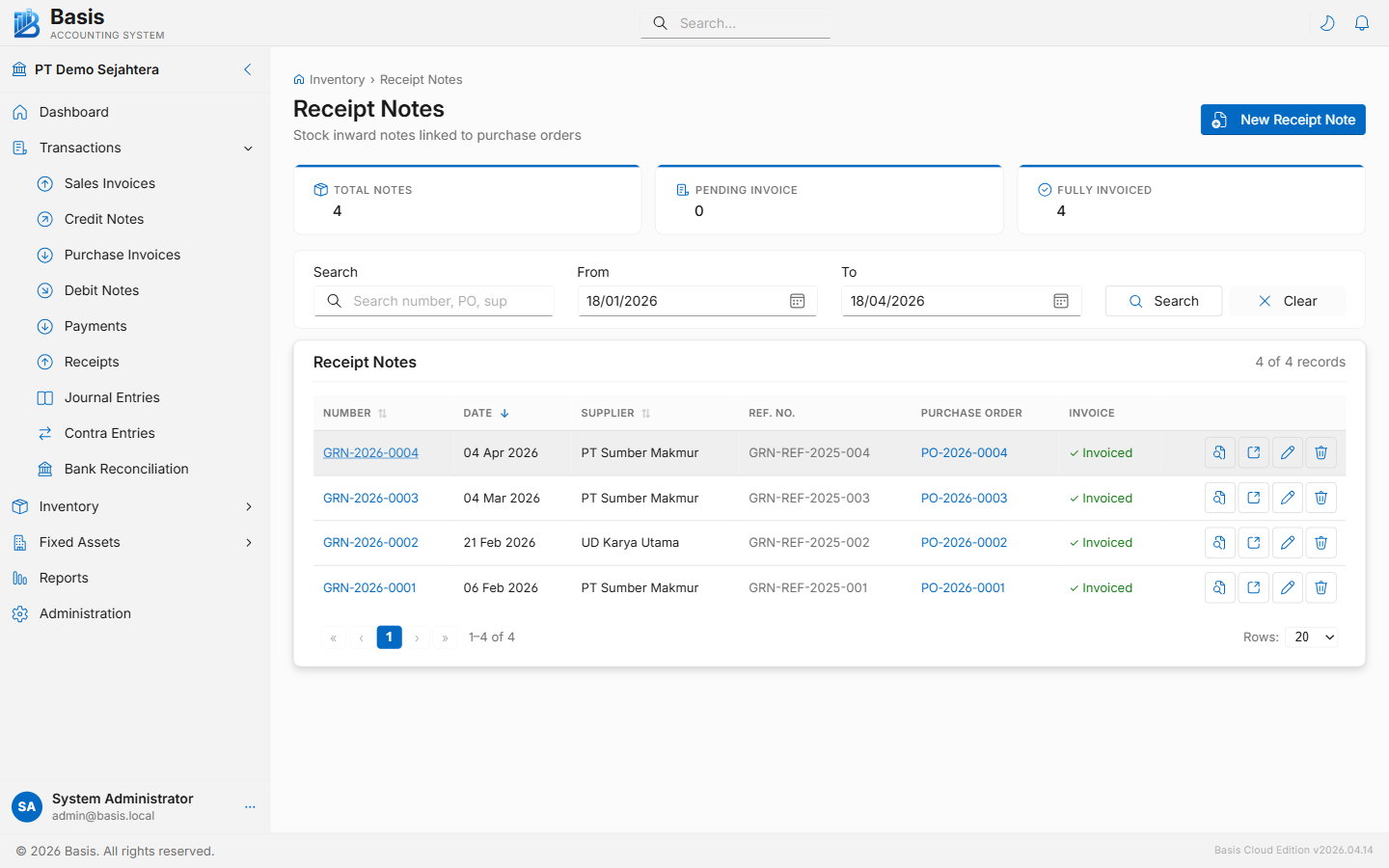
Creating a Receipt Note
Go to Inventory → Receipt Notes, then click New.
- Select the Supplier (autocomplete). The Purchase Order dropdown appears.
- Select the Purchase Order being received. Un-fully-received POs for that supplier are listed. Lines auto-fill with remaining-to-receive quantities.
- Adjust the Receive Qty per line — enter only what physically arrived. Set 0 to skip a line (partial receipt).
- Optionally set a default Location for all lines (receiving warehouse). Individual lines can still override.
- Set the Date, add a Reference (e.g., supplier delivery order number), and click Save.
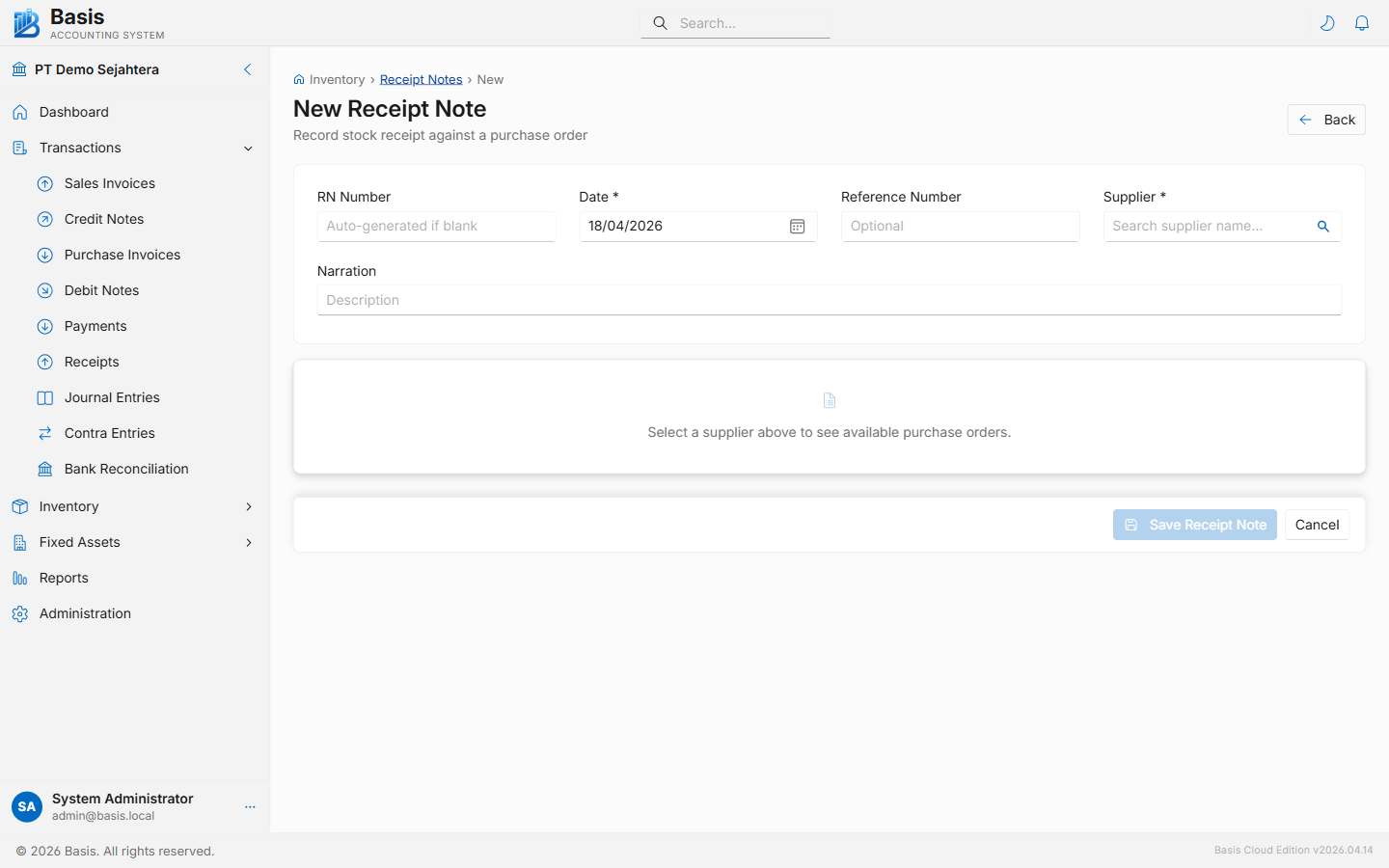
Header fields
| Field | Status | Notes |
|---|---|---|
| GRN Number | Auto | Auto-generated from the GRN voucher series. |
| Date | Required | Date goods were physically received. |
| Supplier | Required | Select supplier first to reveal the Purchase Order dropdown. |
| Purchase Order | Required | The PO being received. Only un-fully-received POs for the selected supplier are shown. |
| Default Location | Optional | Sets the receiving warehouse for all lines at once. Lines can override individually. |
| Reference | Optional | Supplier's delivery order number, packing list number, or truck/driver reference. |
| Project | Optional | Appears when Projects feature is enabled. |
| Narration | Optional | Internal notes about the delivery condition or partial receipt reason. |
Line fields
| Field | Status | Notes |
|---|---|---|
| Item / Description | Read-only | Copied from the Purchase Order line. |
| PO Qty | Read-only | Total quantity on the PO line for reference. |
| Already Received | Read-only | Cumulative quantity received on previous GRNs. |
| Receive Qty | Required | Quantity to receive now. Pre-filled with remaining quantity. Set 0 to skip the line. |
| Location | Optional | Receiving warehouse for this specific line. |
Stock quantity increases immediately when the GRN is saved. The inventory cost (WAC) is updated when the matching Purchase Invoice is posted — at that point the received quantity gets its cost assigned.
Related
- Purchase Orders — the source document for GRNs
- Purchase Invoices — record the bill from supplier; inventory cost posts here
- Delivery Notes (GDN) — the sales-side equivalent