 Basis
Basis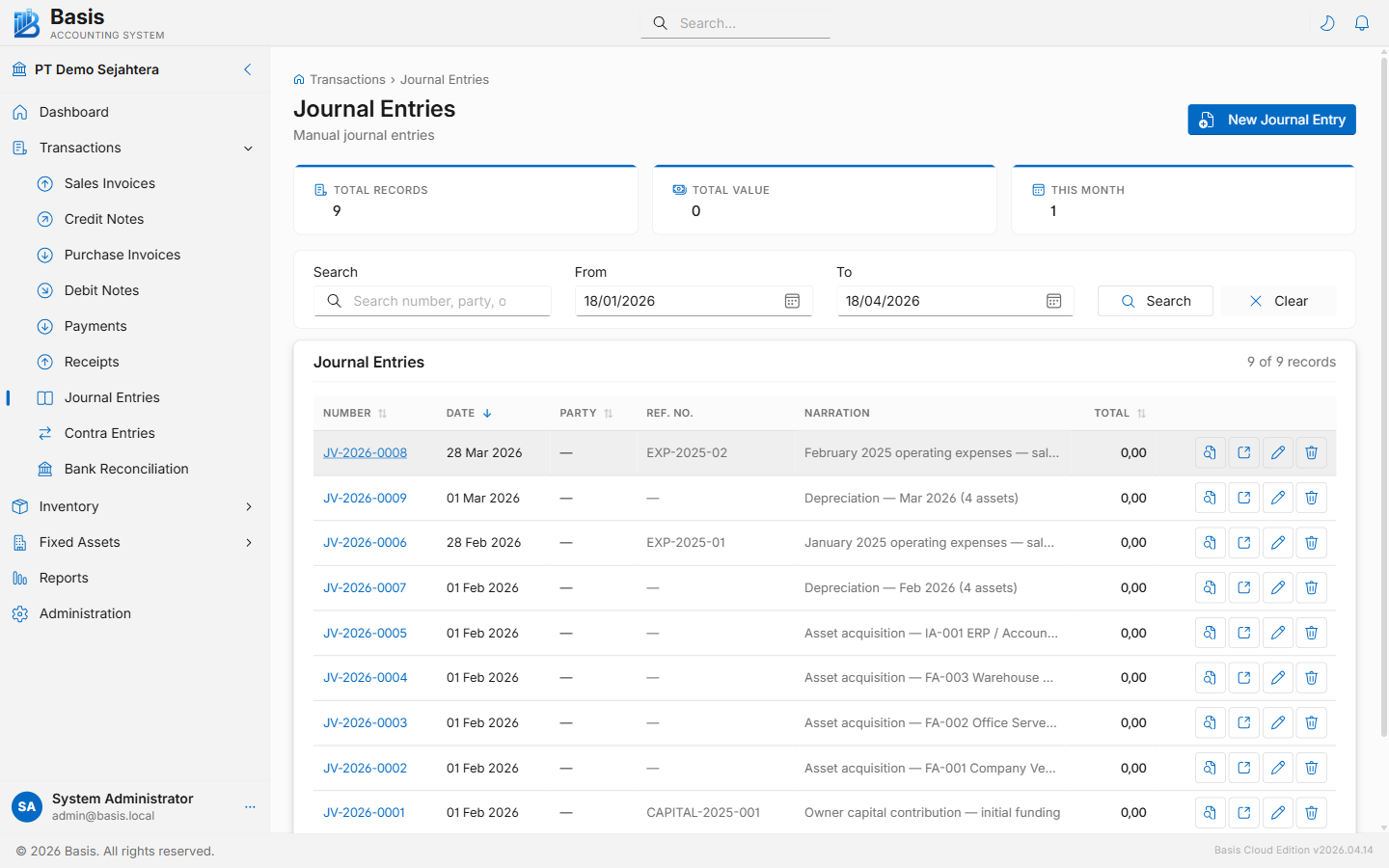
Creating a Journal Entry
Go to Transactions → Journal Entries, then click New.
- Set the Date for the journal.
- Enter a Narration (required) describing the purpose — e.g., "Monthly depreciation — machinery".
- Optionally enter a Reference Number and select a Project.
- Add journal lines by clicking Add Line. Each line needs an Account and either a Debit or Credit amount.
- The balance indicator at the bottom shows whether total Debit = total Credit. The entry cannot be saved until it is balanced.
- Click Save Journal Entry once balanced.
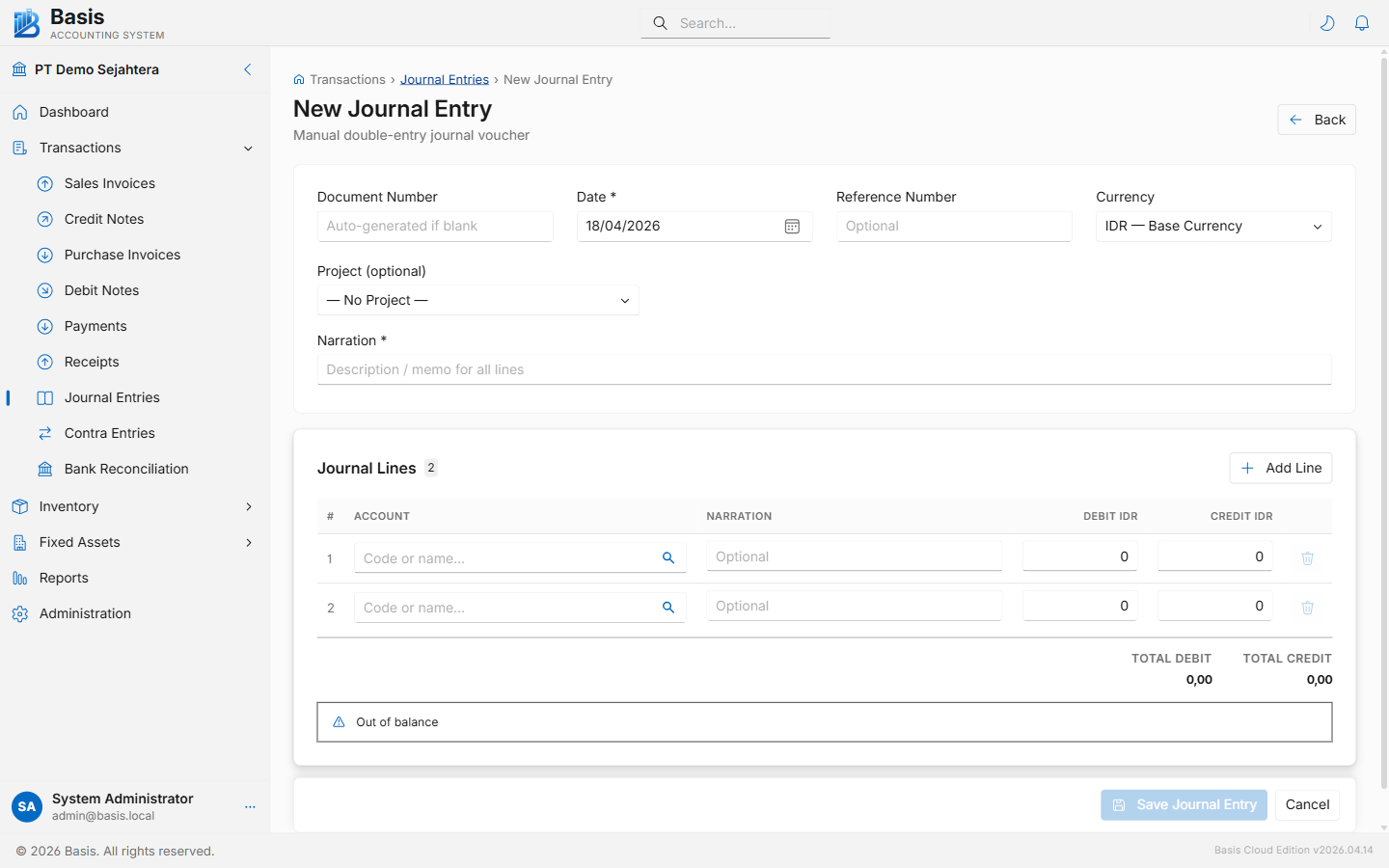
Header fields
| Field | Status | Notes |
|---|---|---|
| Document Number | Auto | Auto-generated from the JV voucher series. Can be overridden. |
| Date | Required | Effective date of the journal. Blocked if the period is locked. |
| Reference Number | Optional | External reference, source document number, or other identifier. |
| Currency | Optional | Foreign currency when Multi-Currency is enabled. Exchange rate auto-loads from the rate table. |
| Project | Optional | Tag all lines to a project for project-level reporting. |
| Narration | Required | Overall description / memo for the journal. Appears on all ledger entries. |
Journal line fields
| Field | Status | Notes |
|---|---|---|
| Account | Required | Search by account code or name. Any active account can be used. |
| Narration | Optional | Per-line description. Overrides the header narration for this ledger entry. |
| Debit | Dr/Cr | Enter a positive debit amount. Setting Debit clears Credit for the same line. |
| Credit | Dr/Cr | Enter a positive credit amount. Setting Credit clears Debit for the same line. |
The Save button is disabled until Total Debit = Total Credit. The balance indicator at the bottom turns green and shows "Balanced" when the entry is ready to post.
Editing & Deleting
Open any journal from the list and click Edit (pencil icon) or Delete.
Immutable vouchers: Every edit or delete archives the original journal as a full JSON snapshot in the Audit Trail before making changes. The journal ID is preserved on edit so all foreign-key references remain intact.
Viewing & Printing
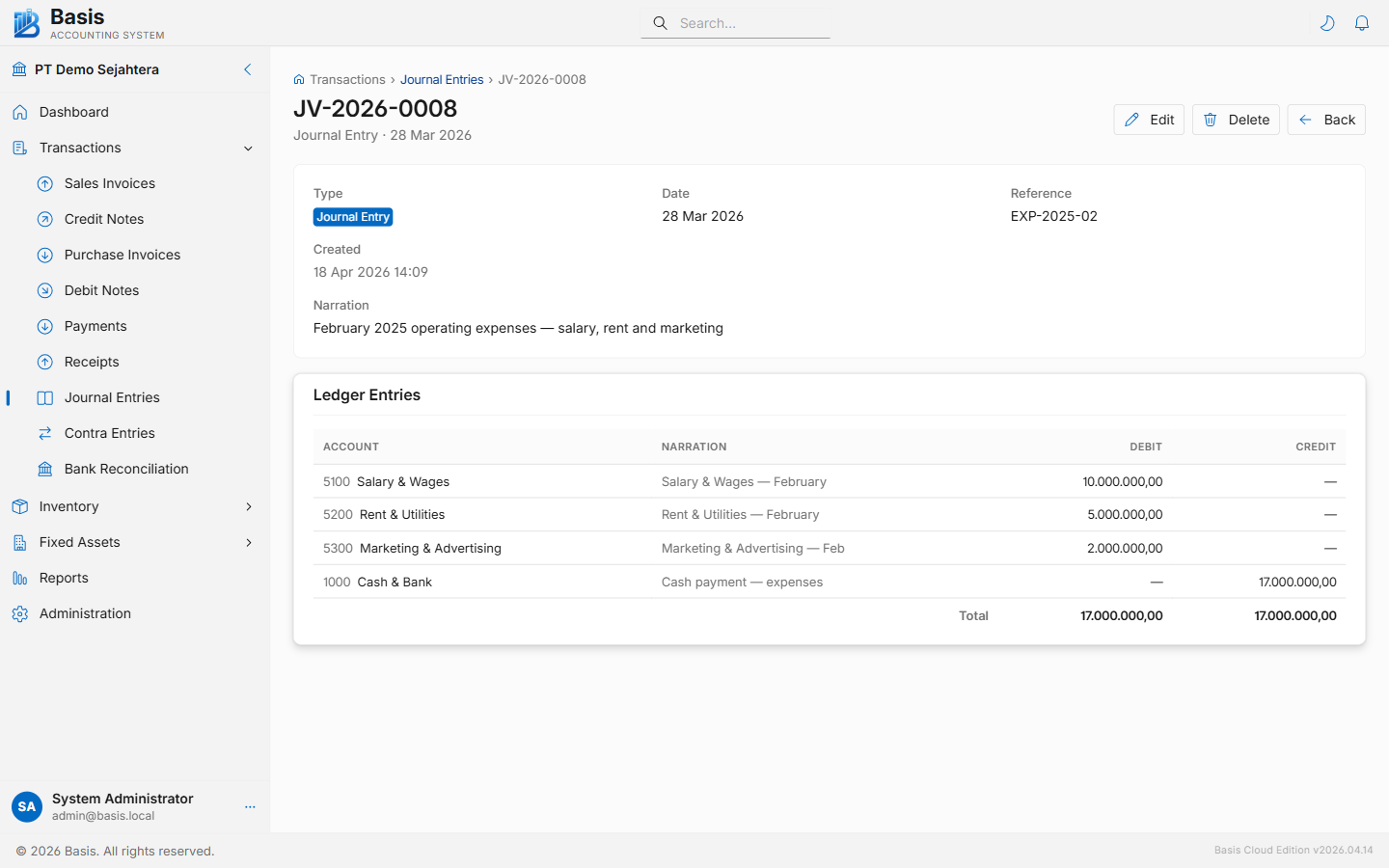
From the journal detail page, click Print / Preview to open the printable journal voucher showing all debit and credit lines with account codes and the balanced totals.
Common Use Cases
- Depreciation: Debit Depreciation Expense, Credit Accumulated Depreciation.
- Accrued expense: Debit Expense, Credit Accrued Liabilities.
- Prepaid amortization: Debit Expense, Credit Prepaid Expenses.
- Correction entry: Reverse the incorrect entry then post the correct one.
- Opening balance setup: Use the dedicated Opening Balances module instead — it uses the same journal mechanism but provides a guided interface.
Related
- Contra Entries — simplified fund transfer between two cash/bank accounts
- Opening Balances — guided journal for initial account balances
- Audit Trail — full history of all journal edits and deletions
- All Reports — General Ledger and Trial Balance reports