 Basis
Basis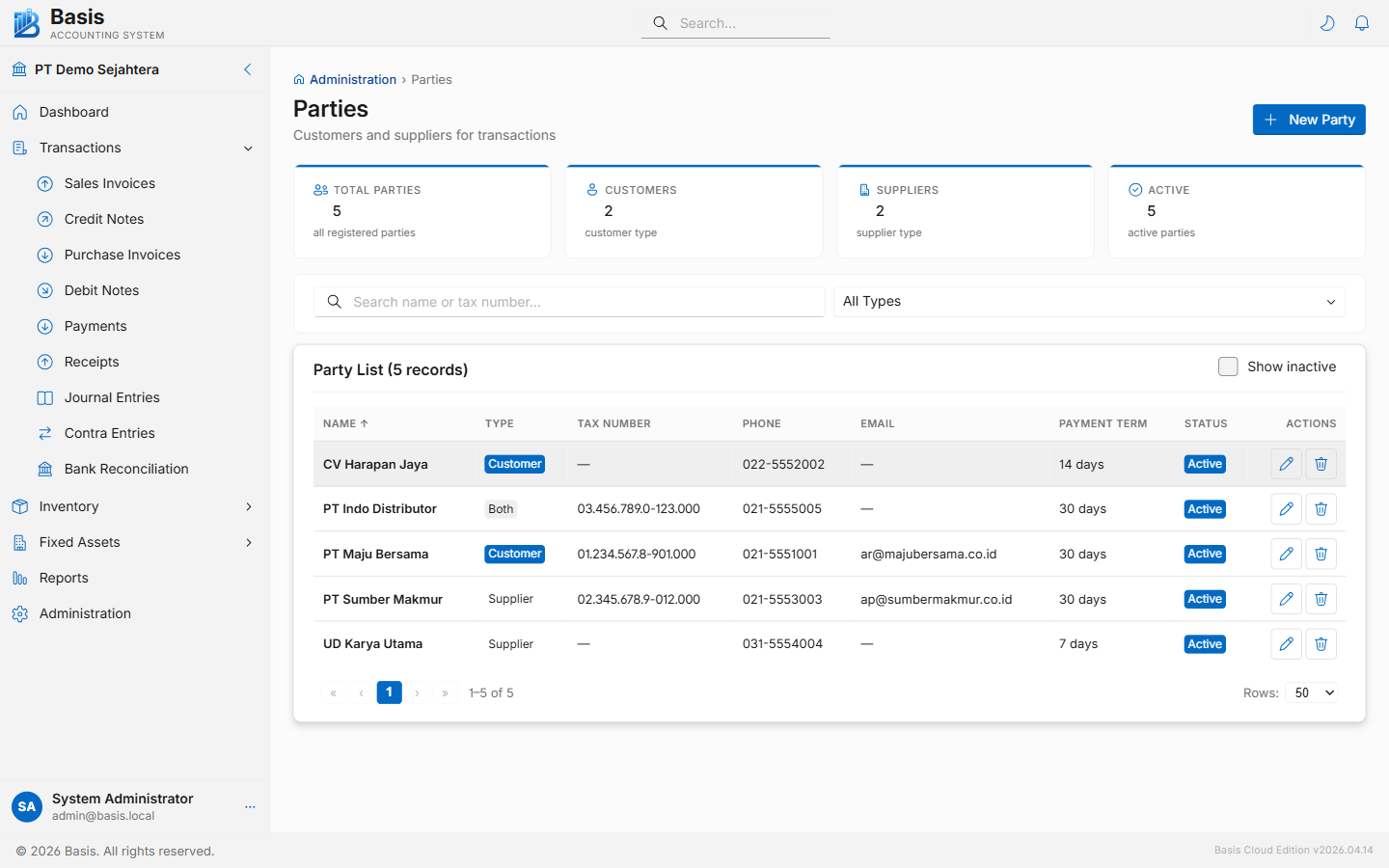
Adding a Party
Go to Master Data → Parties, then click New.
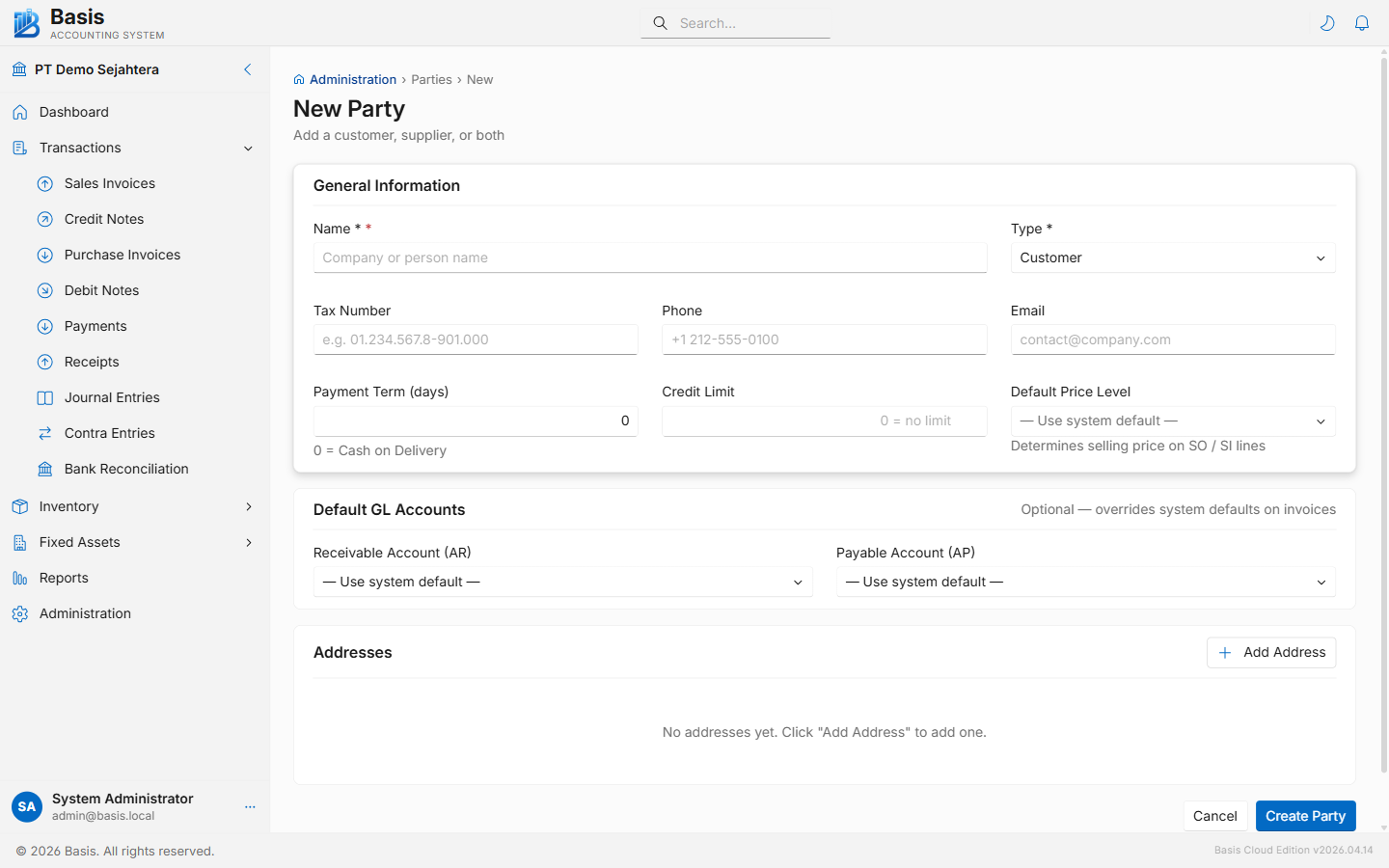
- Enter the party's Name (required).
- Select the Type: Customer, Supplier, or Both. A "Both" party can appear on Sales and Purchase transactions.
- Fill in contact details: Tax Number, Phone, Email, and Address.
- Set Payment Term (days) and Credit Limit (0 = no limit).
- Optionally assign a Default Price Level — this determines which selling price is pre-filled on Sales Orders and Invoices for this customer.
- Optionally override the Default GL Accounts (AR, AP, Advance AR, Advance AP). Leave blank to use system defaults from Business Settings.
- Click Save.
Fields
| Field | Status | Notes |
|---|---|---|
| Name | Required | Company or person name. Must be unique within the business. |
| Type | Required | Customer, Supplier, or Both. Determines which transaction forms show this party. |
| Tax Number | Optional | VAT registration number — printed on invoices. |
| Phone | Optional | Contact phone number. |
| Optional | Contact email. Used by the email feature to send invoices directly. | |
| Address | Optional | Full address — printed on invoices and statements. |
| Payment Term (days) | Optional | Default payment terms. Pre-fills the Due Date on invoices. 0 = Cash on Delivery. |
| Credit Limit | Optional | Maximum outstanding AR balance allowed. 0 = no limit. |
| Default Price Level | Optional | Which price tier to use on SO/SI lines for this customer. Overrides the system default. |
| Receivable Account (AR) | Optional | Overrides the default AR account for this customer's invoices. |
| Payable Account (AP) | Optional | Overrides the default AP account for this supplier's bills. |
| Active | Optional | Inactive parties are hidden from transaction dropdowns but their history is retained. |
Set Type = Both for inter-company entities or vendors who are also customers. They will appear in both sales and purchase transaction dropdowns using the same party record.
Related
- Sales Invoices — customers are selected here
- Purchase Invoices — suppliers are selected here
- AR Aging / AP Aging — outstanding balances per party
- Party Ledger — full transaction history per party