 Basis
Basis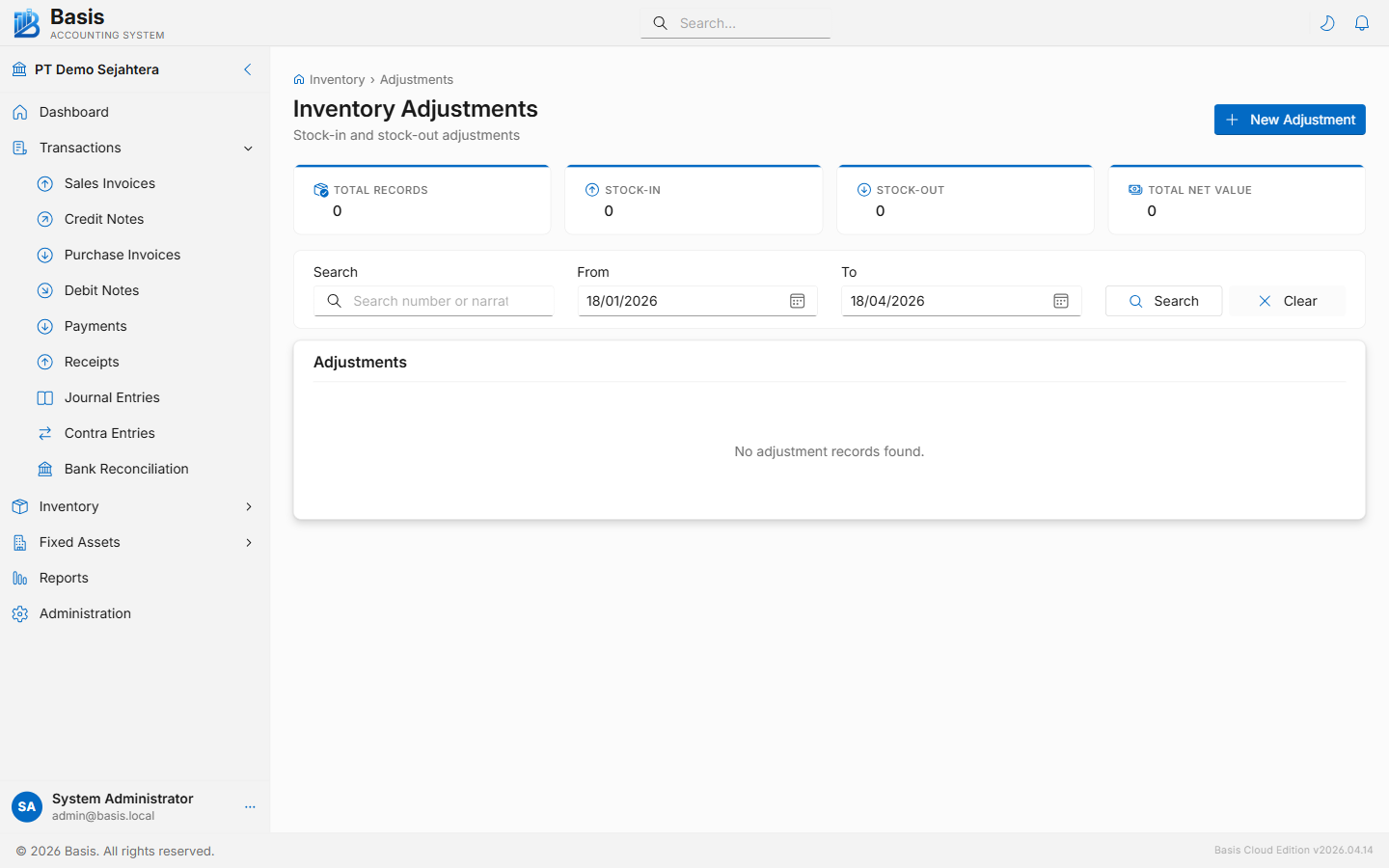
Creating an Inventory Adjustment
Go to Inventory → Adjustments, then click New.
- Set the Date of the adjustment.
- Select the Inventory Account that will be affected (the GL account for the stock being adjusted).
- Enter a Reference Number and Narration explaining the reason.
- Add lines by clicking Add Line (opens a dialog): select the Item, Location, enter the Adjusted Qty (positive to increase, negative to decrease), and the Unit Cost.
- Review the lines in the read-only table, then click Save.
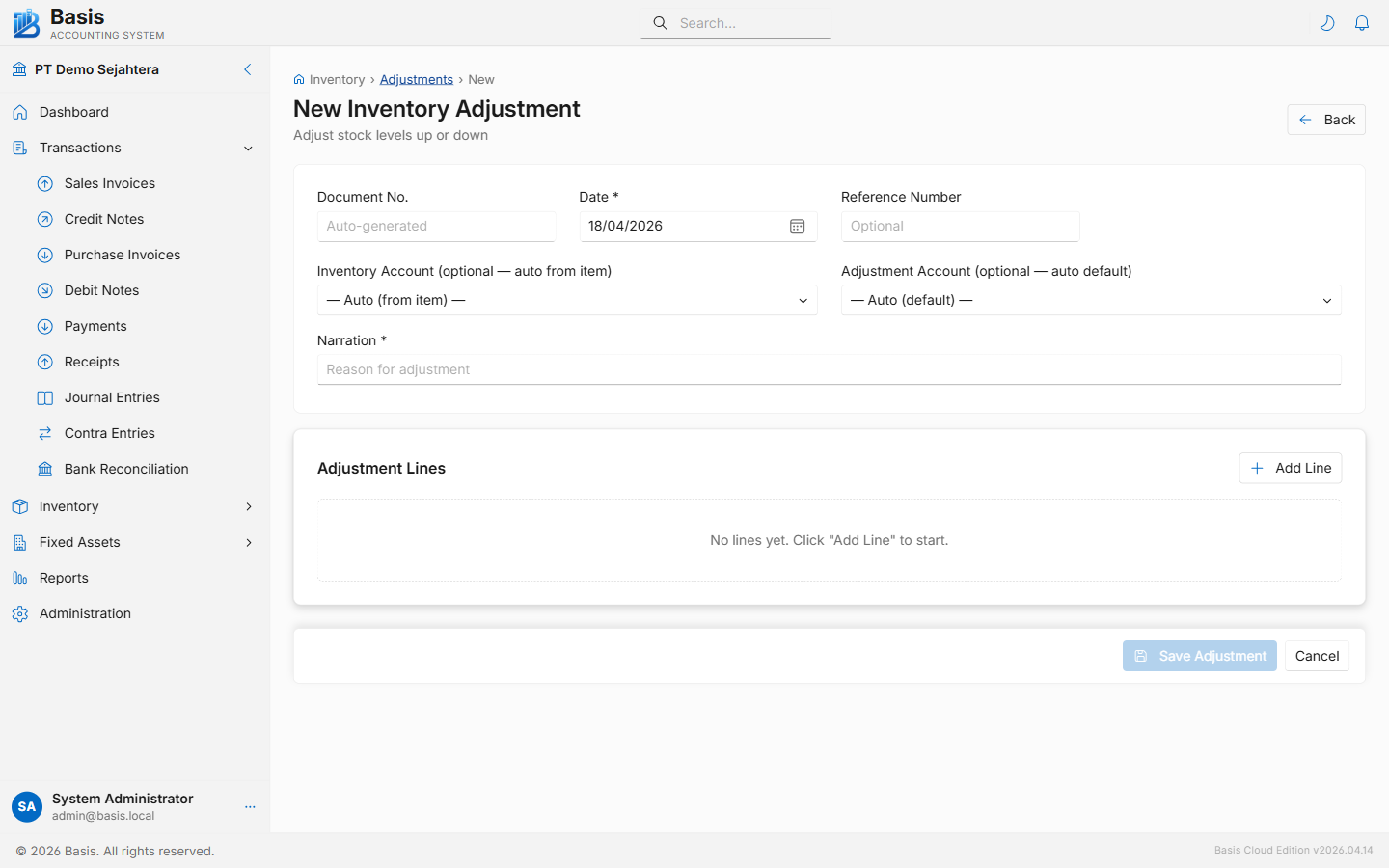
Header fields
| Field | Status | Notes |
|---|---|---|
| Document Number | Auto | Auto-generated from the IA voucher series. |
| Date | Required | Effective date of the adjustment. Blocked if period is locked. |
| Inventory Account | Required | The GL inventory asset account affected. All lines use this account. |
| Reference Number | Optional | Supporting document reference (e.g., "Damage Report #45"). |
| Narration | Optional | Reason for the adjustment — printed on the document. |
Line fields (via dialog)
| Field | Status | Notes |
|---|---|---|
| Item | Required | Search by item code or name. |
| Location | Optional | Warehouse location for the adjustment. Appears when Multi-Location is enabled. |
| Adjusted Qty | Required | Positive = stock increase; negative = stock decrease. |
| Unit | Read-only | Item's base unit of measure. |
| Unit Cost | Required | Cost per unit for the adjustment. Used to calculate the GL entry value. |
| Narration | Optional | Per-line reason. Useful when adjusting multiple items for different reasons. |
For initial stock loading when setting up, use positive quantities with the purchase cost as Unit Cost. This both sets up your opening inventory balance and correctly values the stock in the GL.
GL Impact
| Account | Qty Increase (+) | Qty Decrease (−) |
|---|---|---|
| Inventory Asset Account (header) | Debit (Qty × Unit Cost) | Credit (Qty × Unit Cost) |
| Inventory Adjustment / Variance Account | Credit | Debit |
Related
- Stock Opname — guided physical count that generates adjustments automatically
- Inventory Transfers — move stock between locations without adjusting quantity
- Stock Balance Report — verify inventory quantities after adjustment