 Basis
Basis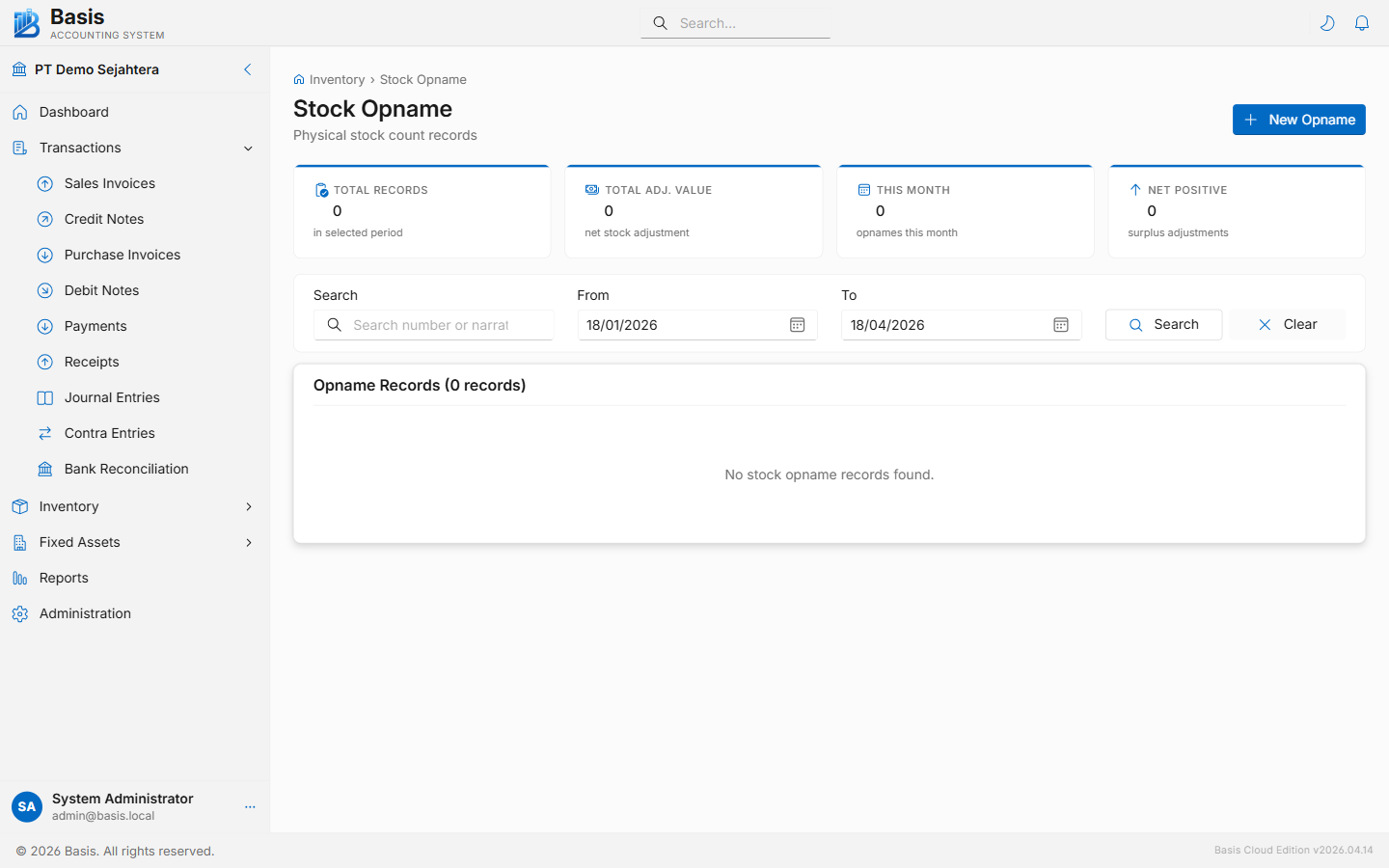
Stock Count Process
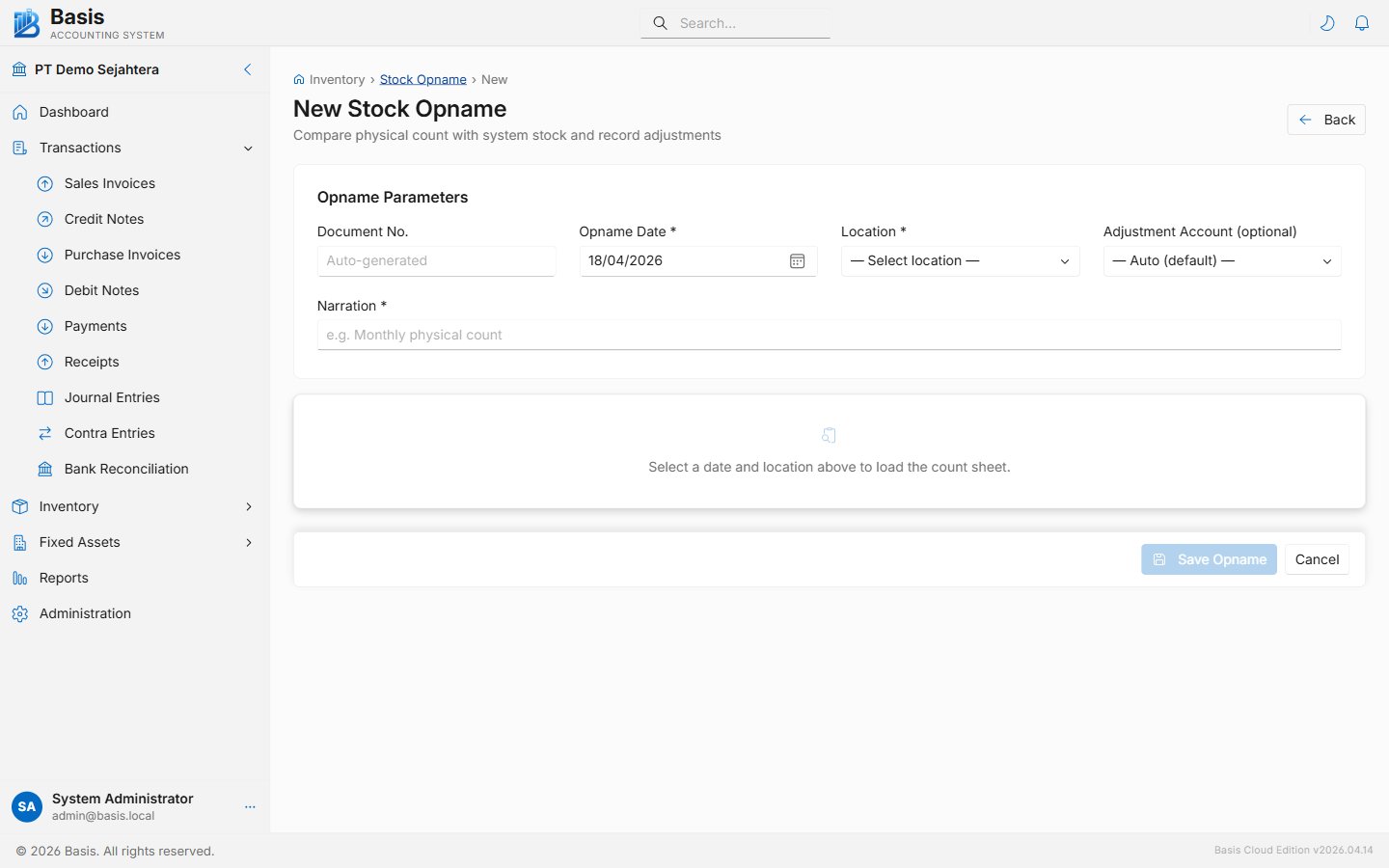
Step 1 — Set Up the Count
Go to Inventory → Stock Opname, then click New.
- Set the Date of the physical count.
- Select the Location (warehouse) to count. The system loads all items currently in stock at that location.
- Select the Inventory Account and the Adjustment Account (used for the GL variance entry).
- Enter a Narration (e.g., "Monthly count — Warehouse A — April 2026").
- Click Load Items — the count sheet appears, pre-filled with system quantities.
Step 2 — Enter Physical Counts
- For each item in the count sheet, enter the Physical Qty — the actual quantity counted in the warehouse.
- The Difference column updates live: Physical Qty − System Qty. Positive = surplus; negative = shortage.
- Optionally add a per-row Narration explaining large variances.
- Items with zero difference are saved but do not generate any adjustment entry.
- Click Save. Only rows with a non-zero difference create Inventory Adjustment GL entries.
Count sheet columns
| Column | Notes |
|---|---|
| Item | Item code and name. |
| Unit | Item's base unit of measure. |
| System Qty | Current quantity per the GL/stock balance. Read-only. |
| Physical Qty | Quantity actually counted. Pre-filled with system qty — edit where count differs. |
| Difference | Physical − System. Computed automatically. Non-zero rows become adjustment entries on save. |
| Narration | Optional per-row note for explaining the variance. |
Only items with non-zero differences generate GL entries. Items where Physical Qty = System Qty are recorded in the opname document for audit purposes but create no inventory or financial movement.
GL Impact (for each variance row)
| Account | Surplus (Physical > System) | Shortage (Physical < System) |
|---|---|---|
| Inventory Asset Account | Debit (variance × WAC) | Credit (variance × WAC) |
| Inventory Adjustment / Variance Account | Credit | Debit |
Related
- Inventory Adjustments — for ad-hoc adjustments outside of a formal count
- Stock Balance Report — verify balances before and after opname
- Stock Movement Report — trace all movements in the count period