 Basis
Basis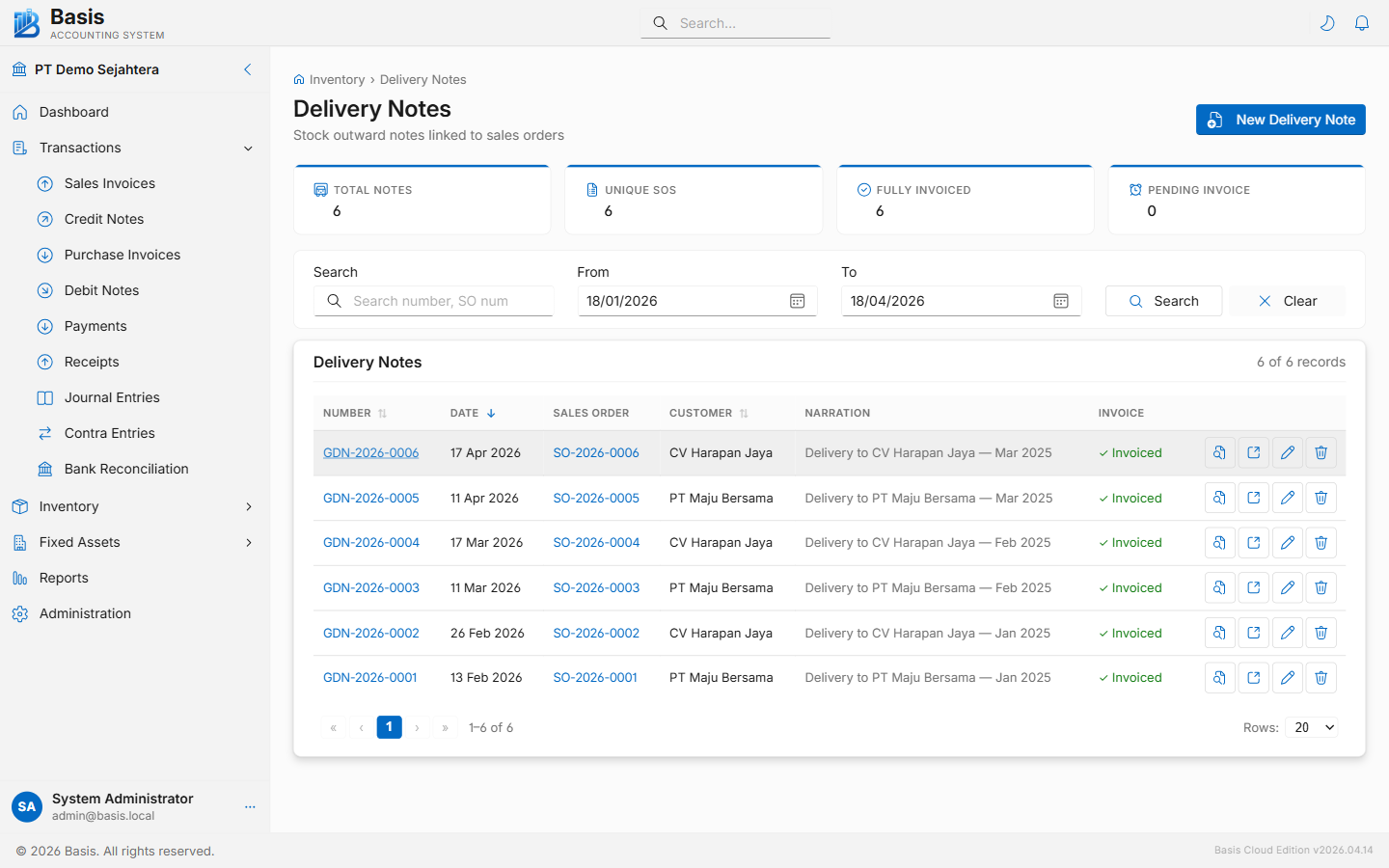
Creating a Delivery Note
Go to Inventory → Delivery Notes, then click New.
- Select the Customer (autocomplete). The Sales Order dropdown appears.
- Select the Sales Order to fulfill. Un-fully-delivered SOs for that customer are listed. Lines auto-fill with the remaining-to-deliver quantities.
- Adjust the Deliver Qty per line — enter only what is being shipped now. Set 0 to skip a line.
- Optionally set a default Location for all lines (dispatch warehouse). Individual lines can override their own location.
- Set the Date, add a Reference (e.g., courier tracking number), and click Save.
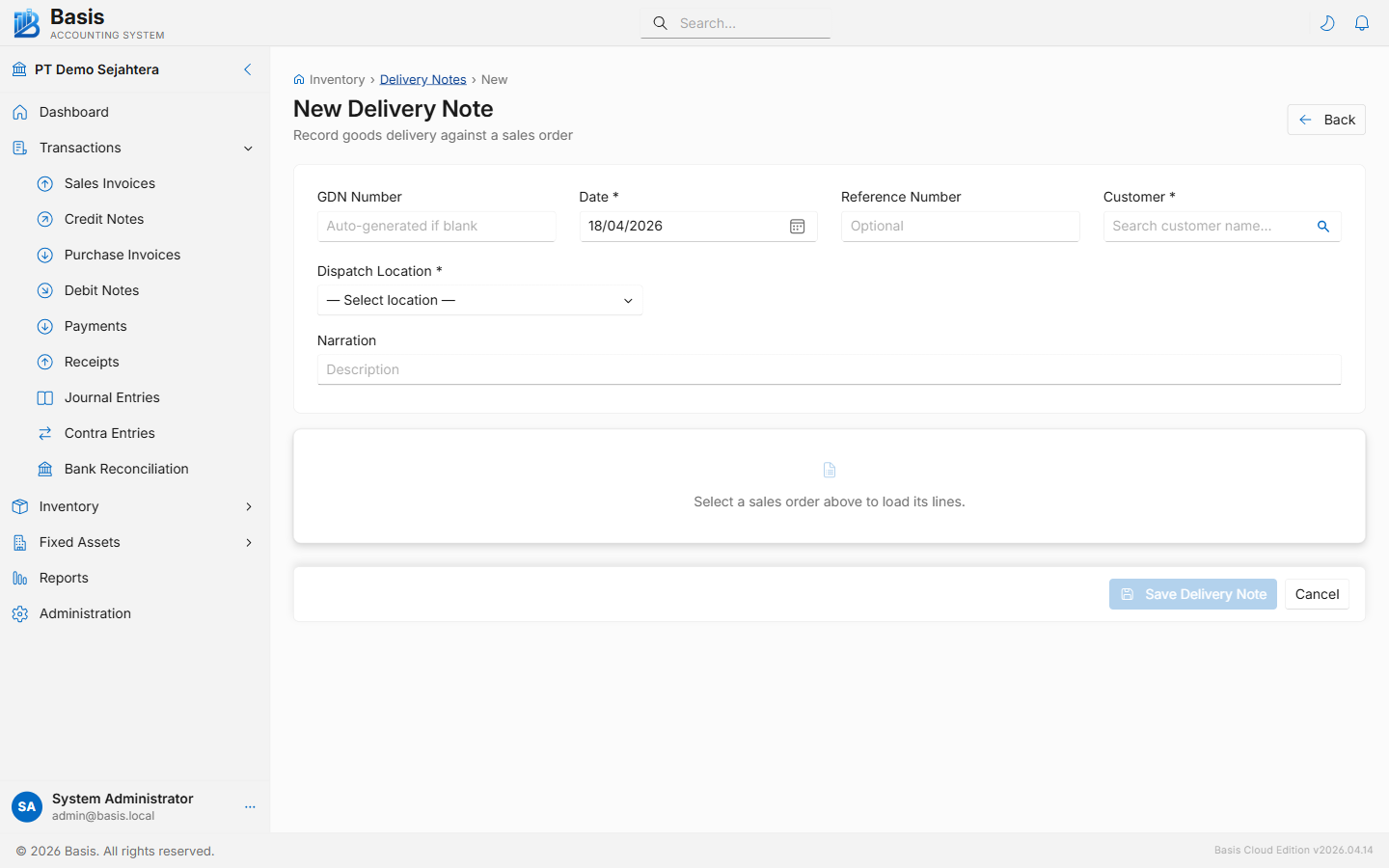
Header fields
| Field | Status | Notes |
|---|---|---|
| GDN Number | Auto | Auto-generated from the GDN voucher series. |
| Date | Required | Date goods were dispatched. |
| Customer | Required | Select customer first to reveal the Sales Order dropdown. |
| Sales Order | Required | The SO being fulfilled. Only un-fully-delivered SOs for the selected customer are shown. |
| Default Location | Optional | Sets the dispatch warehouse for all lines at once. Each line can still override individually. |
| Reference | Optional | Courier tracking number, packing slip number, or driver name. |
| Project | Optional | Appears when Projects feature is enabled. |
| Narration | Optional | Internal delivery notes — printed on the GDN slip. |
Line fields
| Field | Status | Notes |
|---|---|---|
| Item / Description | Read-only | Copied from the Sales Order line. |
| SO Qty | Read-only | Total quantity on the SO line for reference. |
| Already Delivered | Read-only | Cumulative quantity previously dispatched on other GDNs. |
| Deliver Qty | Required | Quantity to dispatch now. Pre-filled with the remaining quantity. Set 0 to skip the line. |
| Location | Optional | Dispatch-from warehouse for this specific line. |
Immutable vouchers: GDN edits and deletes archive the original snapshot and reverse the stock movement before recreating. Never manually adjust stock balances to undo a GDN.
Related
- Sales Orders — the source document for GDNs
- Sales Invoices — bill the customer; COGS posts when the SI is saved
- Receipt Notes (GRN) — the purchase-side equivalent